
Billing and stock for a retail counter
How shopkeepers and trading counters can keep invoices, cash, and inventory together without slowing the sale.
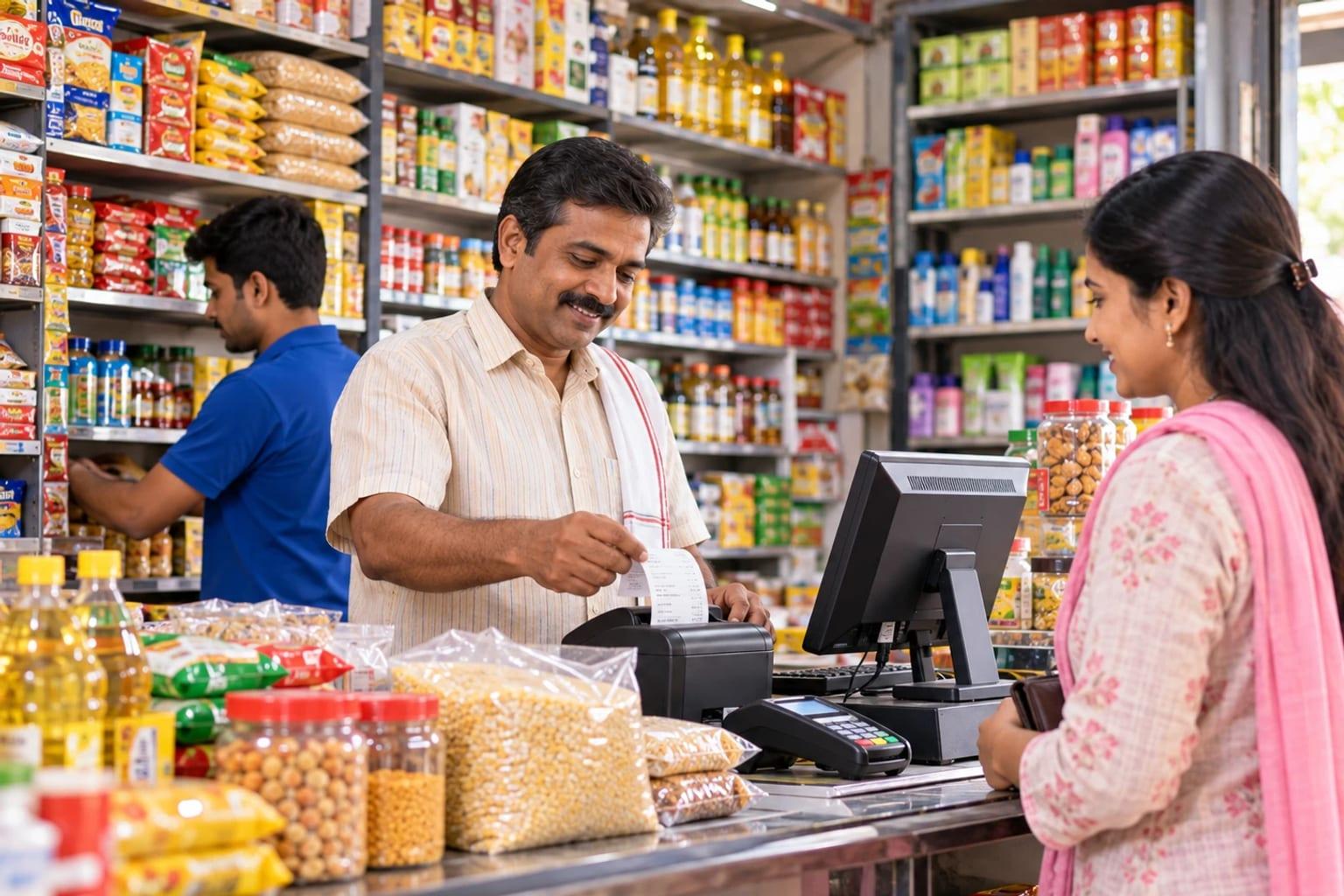
The counter cannot wait for the books
If the bill is written in one place and the stock is reduced later, the shelf and the register drift apart by evening. The useful system creates the invoice and updates the item in the same step.
LITKHATA is aimed at that daily work: invoices, cash, and inventory, with barcode selection where labels are already on the items.
Check the equipment you already have
Bring the computer, barcode scanner, and printer you use today. A walkthrough should use your invoice layout and a few real items, including one that is sold by weight or in more than one unit.
Text-to-speech and document scanning are worth trying on your own product names and supplier bills, so you can see whether they save time at your counter.
Keep the first list short
Load the items you sell often before you try to migrate every old record. A short, accurate list bills faster than a long list full of duplicates.
Once the counter is comfortable, review how cash and stock are checked at closing. That closing routine is the sign the system is part of the day, not an extra task.
Worked example
A hardware counter that stopped counting stock every Sunday
A hardware shop with two counters billed on a printed pad and kept stock in a notebook. Every Sunday the owner counted fast-moving items to decide what to buy. After moving to LITKHATA, items were loaded with barcodes from supplier packs, prices were set per item, and the two counters billed from the same list.
Each bill reduces stock, so the reorder list is available any day. Cash and credit sales are recorded on the bill, and the day closes with a total the owner can check against the drawer. The Sunday count is now a spot check of twenty items, not the whole shop.
Checklist before you decide
- Your item list with prices and, where available, barcodes
- A sample of the invoice you issue today and any tax it must show
- The computer, scanner, and printer models at the counter
- How cash, mobile money, and customer credit are recorded
- Whether more than one counter or branch will share the item list
- Who will maintain prices and add new items
Questions we hear
Do we need barcodes on everything?
No. Barcodes speed up fast-moving items; the rest can be picked by name. Many shops start with supplier barcodes and add printed labels later.
Can two counters bill at the same time?
Yes, from the same item list and stock. Confirm the setup during the walkthrough so both counters see the same stock figure.
What happens when the shop grows into a wholesale business?
When you add warehouses, supplier credit, and several branches, SAP Business One is the usual next step, and item and customer data can be carried across.