
Simplify counter entry
Use a consistent item catalogue and supported barcode-assisted selection.
Retail billing
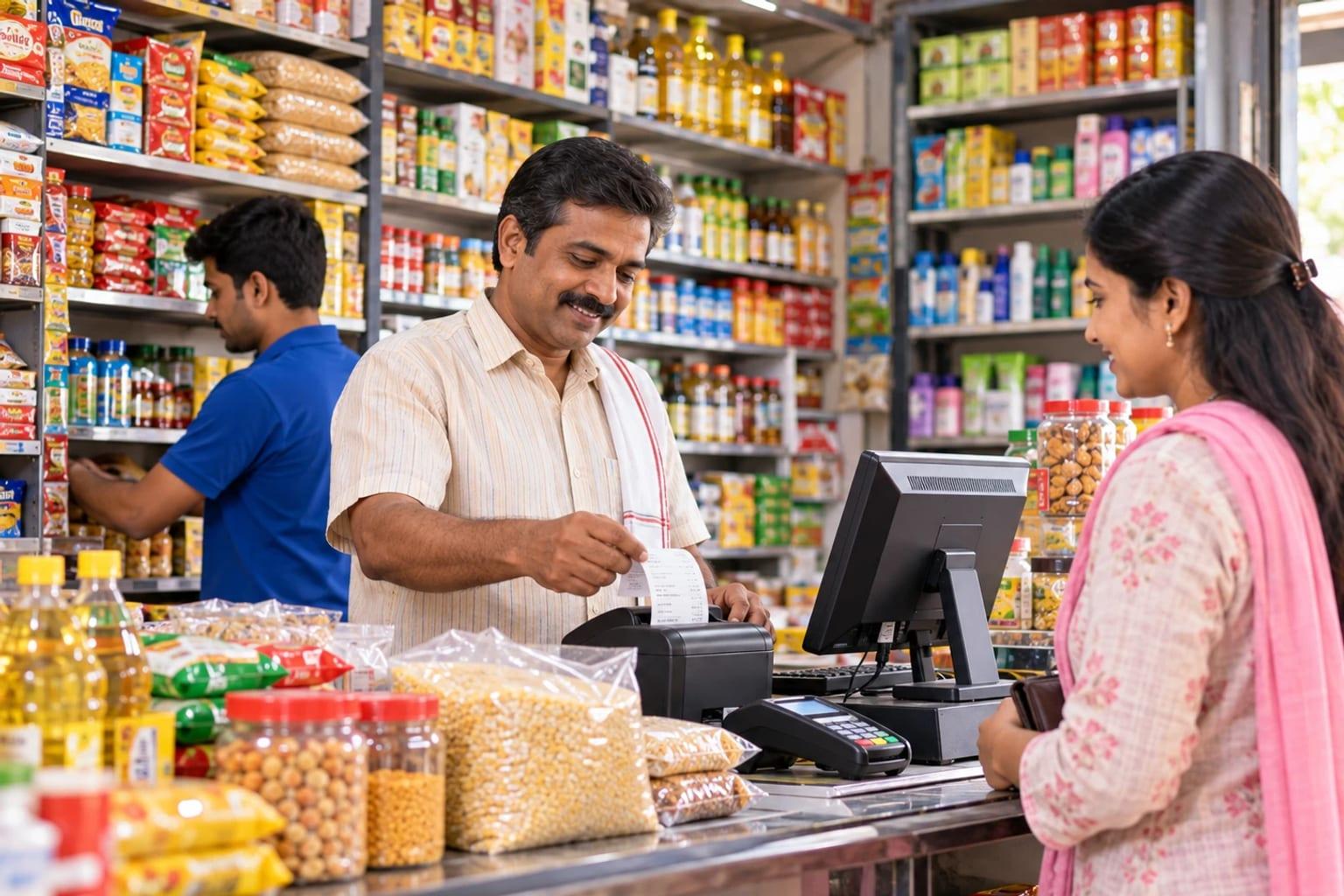
A shop slows down when the invoice, the cash, and the available stock are updated in different books. LITKHATA is for shopkeepers and trading counters that need those tasks together.
Built around your business
At a busy counter, billing should leave a usable record for the rest of the business. Connect item selection, invoices, cash, and inventory so the shop can review the day's sales and stock without reconstructing the transactions from separate books.
Use a consistent item catalogue and supported barcode-assisted selection.
Review inventory alongside the transactions that changed it.
Bring invoices and cash records together for reconciliation.
Solution capabilities to scope
Build the scope around the records your team uses, the decisions it makes, and the exceptions it needs to manage.
01 / SOLUTION AREA
Use an organized item catalogue and barcode-assisted selection where applicable to prepare customer invoices with the required quantities and prices.
02 / SOLUTION AREA
Keep cash records alongside the day’s invoices so the team can compare recorded sales and collections during closing.
03 / SOLUTION AREA
Review stock balances and movements alongside counter activity, with agreed procedures for receipts, returns, and corrections.
04 / SOLUTION AREA
Review barcode equipment, document scanning, and text-to-speech using your own items, labels, and documents to confirm the right setup.
Recommended starting point
Discuss your operating requirements with LITPL to confirm product fit, configuration, integrations, and implementation scope.
Explore the solution approach ↗An example operational workflow
Follow a typical transaction through the business. We adapt the sequence, approvals, and handovers to your operation during discovery.
Review item names, units, prices, opening stock, and barcode references used at the counter.
Key record
Item and opening-stock records
Choose the sale items, using barcode-assisted selection where applicable, and check quantities and prices before issuing the invoice.
Key record
Customer invoice
Keep the payment and cash records needed to reconcile the transaction with the day's collections.
Key record
Payment and cash record
Review stock received and sold, and agree how corrections or returns should be recorded in your store's workflow.
Key record
Inventory movement record
Compare invoices, cash records, and stock movements; investigate differences before carrying balances forward.
Key record
Daily sales and cash review
Reporting priorities
Agree report definitions, date ranges, ownership, and source transactions before implementation. Use these industry-specific views as a starting point for your reporting scope.
Implementation approach
Agree the scope and acceptance criteria first, then prepare the data and people who will run the process.
Walk through a real transaction with your operations and accounts teams. Agree the priorities, exceptions, and reports.
Confirm product fit, responsibilities, approvals, and data fields. Scope any add-ons, custom workflows, and integrations.
Clean and map master records, opening stock, balances, and active transactions. Reconcile the data before migration.
Run representative transactions and exceptions with your users. Verify calculations, reports, access, and operating procedures.
Agree the cutover plan and support arrangements. Review early transactions and resolve issues with the responsible team.
Before you decide
Share device models, sample labels, and the invoice format you use. Check compatibility in a walkthrough, together with document scanning and text-to-speech requirements, before planning the counter changeover.
The scope depends on your users, locations, opening data, approvals, reporting, and integrations. We review a representative workflow and agree what uses standard functionality, what needs configuration, and what needs additional development before preparing the proposal.