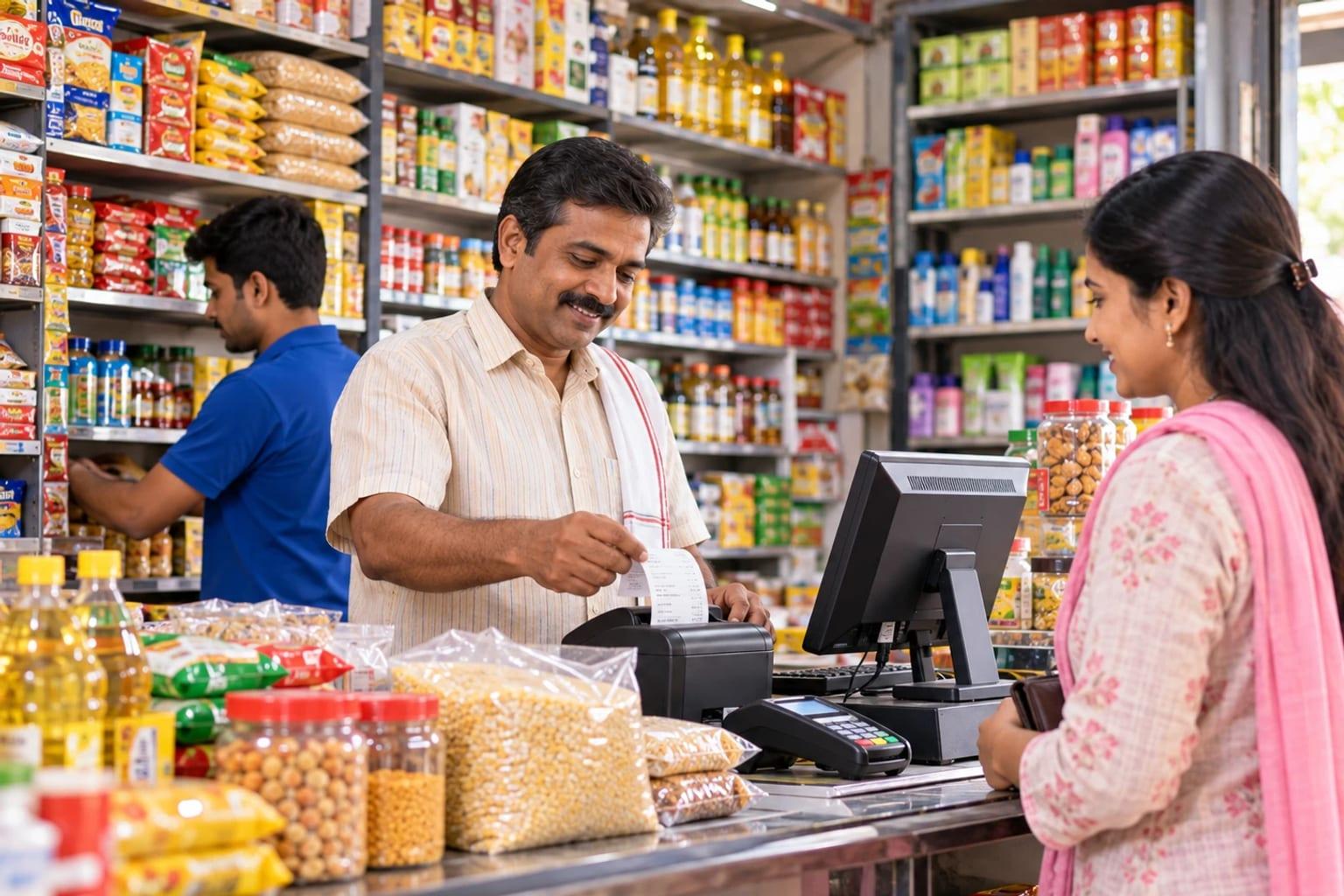
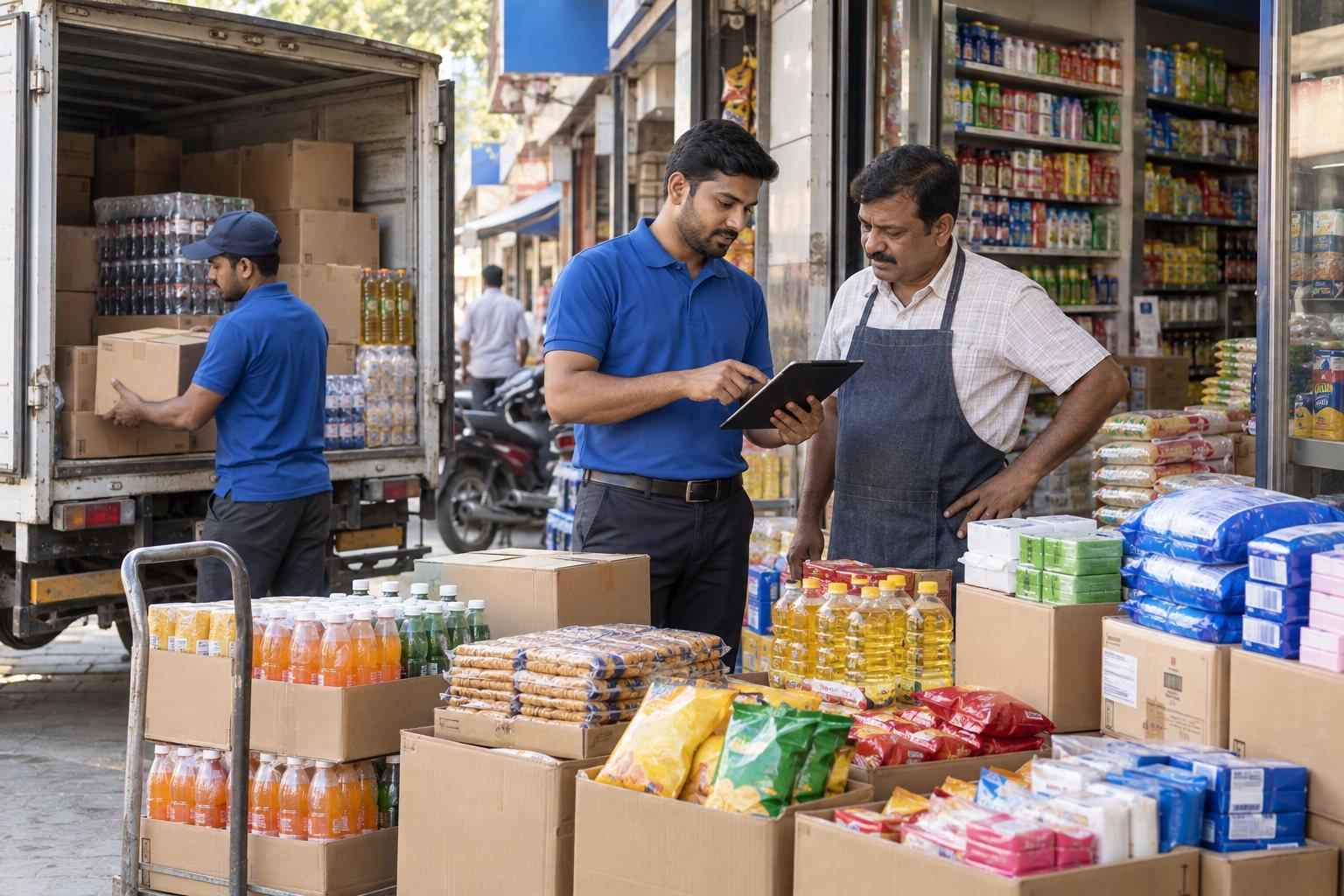
Bill quickly, stock updates itself
Each invoice reduces stock and records the cash or credit, so the counter and the stock book agree.
LITKHATA
Shops and trading counters need a practical way to issue invoices, record cash, and know what is in stock. LITKHATA brings these daily tasks together, with barcode, text-to-speech, and document-scanning features that speed up the counter.
For retail shops, agro-input and hardware counters, and small trading firms
+91 99070 36906 · WhatsApp works from any country
What changes for your business
Fast counter billing with cash and stock kept together, plus barcode, text-to-speech, and document scanning that make daily entry quicker for shops and trading counters.
Each invoice reduces stock and records the cash or credit, so the counter and the stock book agree.
Available stock by item shows what is running low before the customer asks.
Barcode selection, text-to-speech confirmation, and document scanning reduce entry errors and speed up service.
Sales, cash, and stock movements are available for review without re-keying.
What it covers
Billing, cash, and stock together, with three features that make daily entry faster. Equipment compatibility and invoice format are confirmed before changeover.
Issue invoices at the counter in the layout and tax format your country requires.
Cash, mobile-money, and credit sales recorded with each invoice, so the day’s takings reconcile.
Stock reduces with every sale and increases with every purchase, so the shop knows what is on hand and what to reorder.
Scan existing or printed barcodes to pick items quickly and avoid wrong-item errors while billing.
Item and bill details are spoken back while you work, which helps busy counters confirm entries without looking away.
Scan supplier bills and other documents to capture details without typing everything by hand.
An example workflow
Generate an invoice for a sale and use barcode-assisted item selection where appropriate.
Keep track of cash and inventory as part of the shop’s daily work.
Review text-to-speech and document scanning with your own items and documents.
The sequence, approvals, and handovers are adapted to your operation during discovery.
Industries
Decisions we agree in discovery
These are answered with your documents before a proposal is written, so the quote reflects your business rather than a generic package.
Item list, units, price levels, and whether existing barcode labels can be used or new ones are printed.
The invoice layout and tax lines your country requires.
Computer, barcode scanner, and printer models, confirmed for compatibility before changeover.
How cash, mobile money, and customer credit are recorded and reviewed.
Whether one shop or several locations share the item list and reports.
How LITPL implements it
Proposals show licences, services, and support separately, in the currency you contract in.
Growing into several branches with supplier credit and warehouses?
SAP Business One brings purchasing, multi-warehouse stock, and finance together when a counter tool is no longer enough.
Explore SAP Business One ↗Hosting, delivery, and support
Installed on the shop computer with the scanner and printer you already use where compatible. Hosting and backup options are confirmed during discovery.
Discovery, configuration, training, and support run over video calls, screen sharing, and WhatsApp in a working window that overlaps your day. On-site visits are arranged for go-live or plant and yard walkthroughs when they add value.
WhatsApp is the fastest channel. Email and phone are answered Monday to Saturday in the agreed window; extended support windows are agreed per project.
Working hours in your time zone and the full delivery model are on the Where we work page.
Questions buyers ask
Share the details of your computer, barcode scanner, and printer with the team. Confirm device compatibility and your invoice requirements during the walkthrough before planning a changeover.
Usually. Share the models during the walkthrough and we confirm compatibility before any changeover.
Invoice layout and tax lines are configured during setup. Bring a sample of the invoice you issue today.
Businesses that add warehouses, supplier credit, and multiple branches often move to SAP Business One later. The item and customer data can be carried across.
Next step
Bring an item list, sample invoice, barcode labels, and examples of the documents you want to scan.
Working with businesses across Africa and India, with remote delivery and on-site visits when the project needs them.