
Training service
Training built on your own documents, so people learn the job, not the menu.
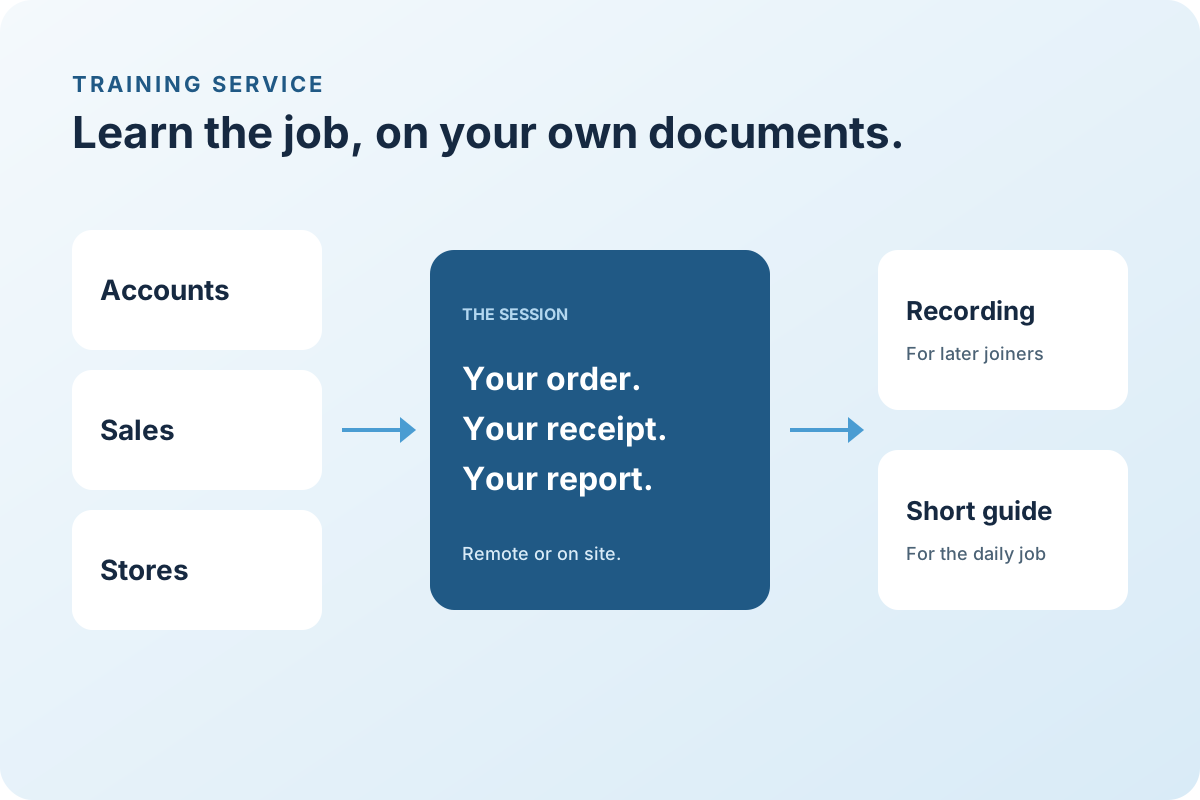
Users adopt a system when training shows them their own sales order, their own goods receipt, and their own month-end report. LITPL delivers role-based SAP Business One training remotely or on site, records every session, and leaves quick-reference guides your team can keep.
Working with businesses across Africa and India, with remote delivery and on-site visits when the project needs them.
How the work runs
A clear path, with something finished at every step.
People practise on your own orders, receipts, and reports. A short practical check shows who is ready before go-live.
Step 01
Plan
Roles, numbers, and timing agreed.
You leave with: Roles, numbers, and session dates
Step 02
Prepare
Your documents loaded into the training company.
You leave with: Your documents in the training company
Step 03
Deliver
Sessions by role, remote or on site.
You leave with: Live sessions, remote or on site
Step 04
Assess
Practical checks per user.
You leave with: A practical check for each user
Step 05
Refresh
A follow-up after go-live.
You leave with: A refresher after go-live
Who it is for
Built for teams like yours.
New implementations
Key-user and end-user training before user acceptance testing and go-live.
Existing users
Refresher sessions after staff changes, upgrades, or when a module is used more than before.
Managers
Reporting and dashboard sessions for people who review the numbers rather than enter them.
What the service covers
Scope we agree before quoting.
- 01
Key-user training
Deeper sessions for the people who will configure, test, and support others internally.
- 02
End-user training by role
Accounts, sales, purchasing, stores, production, and depot users each get the transactions they own.
- 03
Management reporting
Reports, dashboards, and alerts for owners and department heads.
- 04
Recordings and guides
Every session recorded; quick-reference guides for the common transactions.
- 05
Assessment
Short practical checks so you know who is ready for go-live.
What you receive
- Training plan by role
- Recorded sessions
- Quick-reference guides
- Practical assessment results
- Post-go-live refresher session
Proposals show services and support separately, in the currency you contract in.
Products
- SAP Business One ↗
Connected business management
- ICD Management ↗
Container and depot operations
Questions we hear
Before you ask for a proposal.
Is training remote or on site?
Either. Remote sessions over screen sharing work well for most roles; on-site sessions are planned for plants and yards with many users or limited connectivity.
Do you train shift staff?
Recordings and guides cover staff who cannot attend live sessions, and a second live slot can be added for another shift.
Can you train users on a system LITPL did not implement?
Yes, after a short look at your configuration so the sessions match how your company is set up.
Tell us what you need done, and by when.
Share your country, current software, and the outcome you want. We reply in your working hours with a first call slot.